

Less switching · More focus · One keystroke away

The all-in-one Mac productivity toolkit

Clipboard, screenshots, search, OCR, screen translation, Markdown notes, calendar, AI shortcuts, system monitor, and developer tools.
macOS 12.0+ · Universal · Free to start
Native
Swift app
Local
By default
Lifetime
One-time purchase
Sandboxed
App sandbox
Lightweight
Under 7MB
20+
Languages
All your Mac tools

One native workspace for everyday utilities.

Frset workspace showing clipboard, screenshots, quick search, notes, calendar, and tools in one Mac app
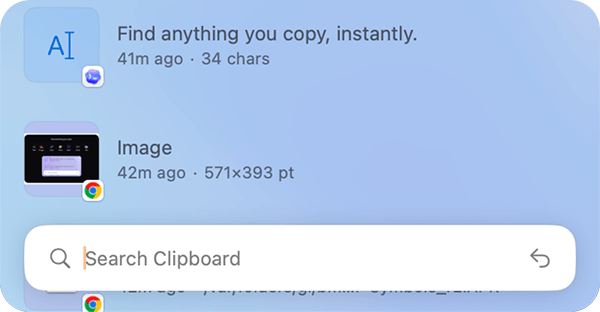
Clipboard history

Search, organize, and reuse everything you copy.

Screen capture

Capture, annotate, pin, and manage screenshots without switching tools.

Screen Translation
Extract Text from Screen
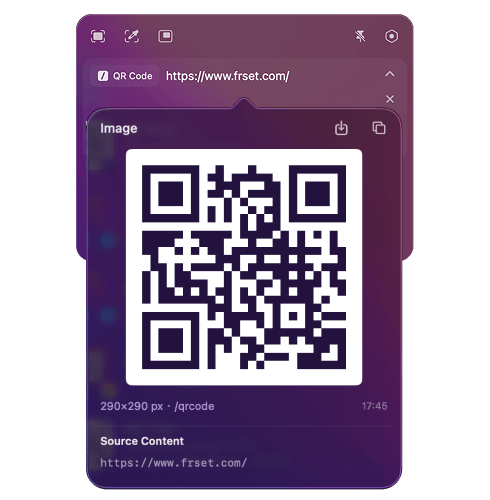
Recognize QR Code
Rounded Window Capture
Annotate
Pin Screenshots
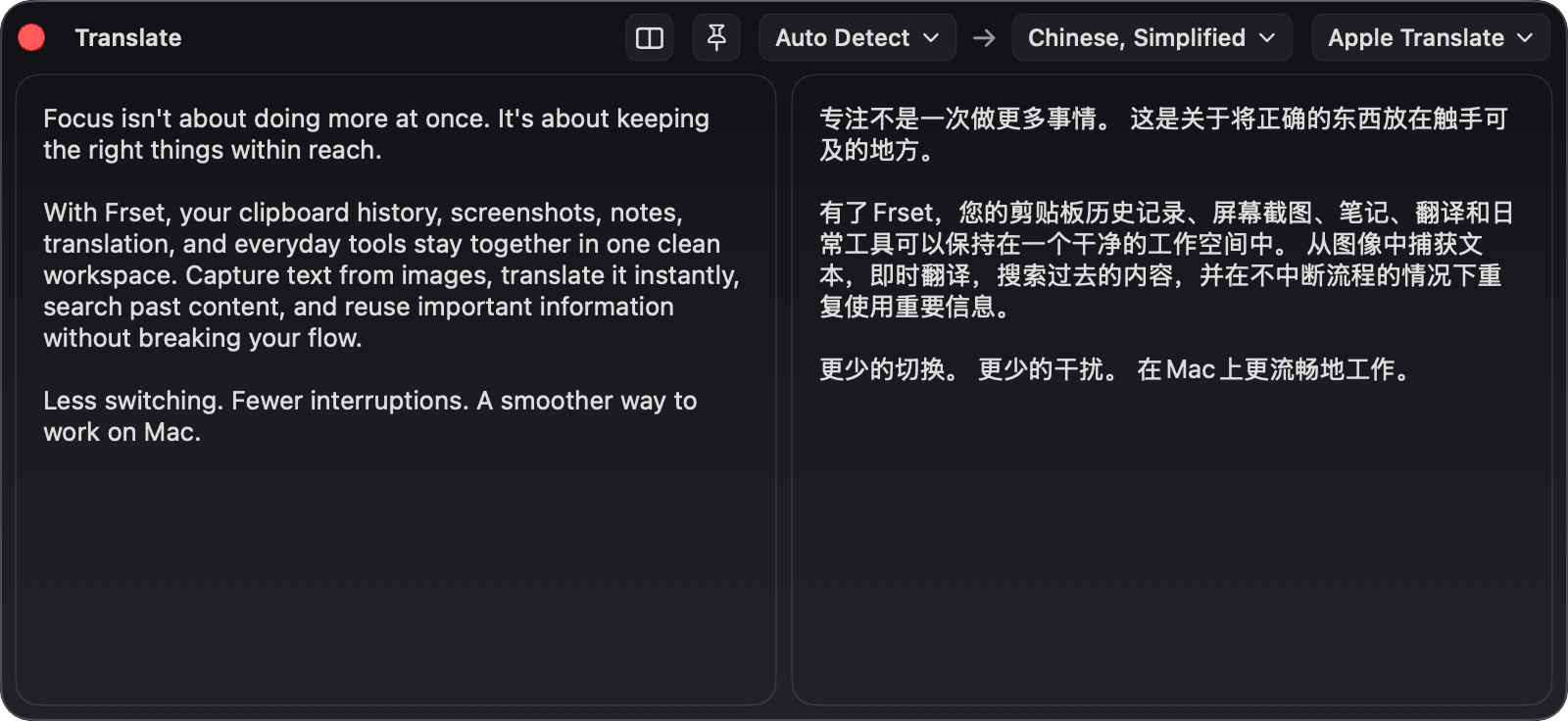
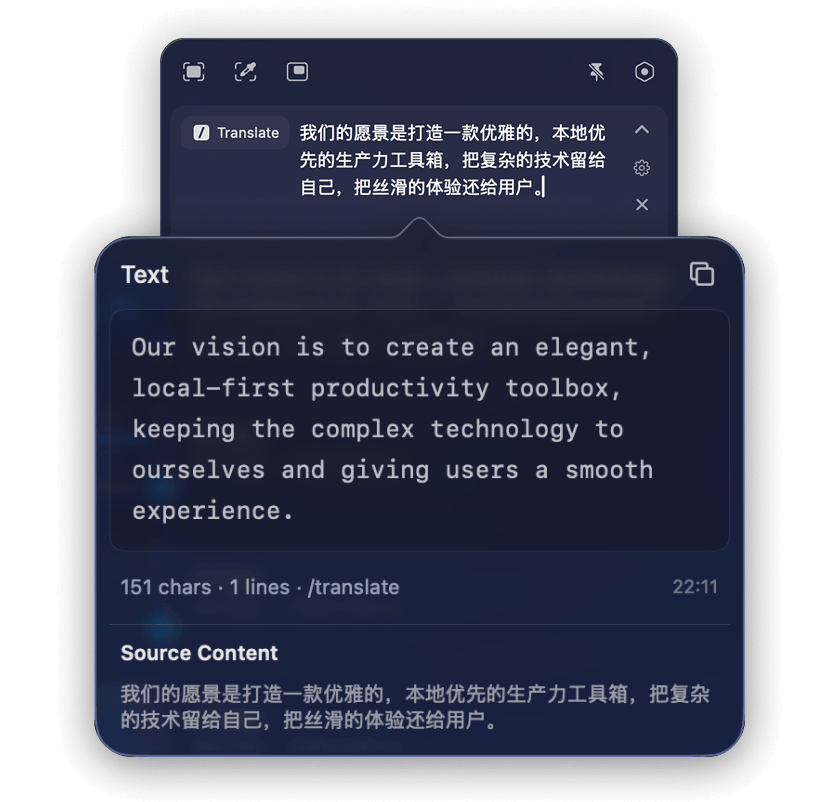
TRANSLATION

Translate text and screenshots without breaking your flow.

Frset translation tool showing source text and translated output side by side
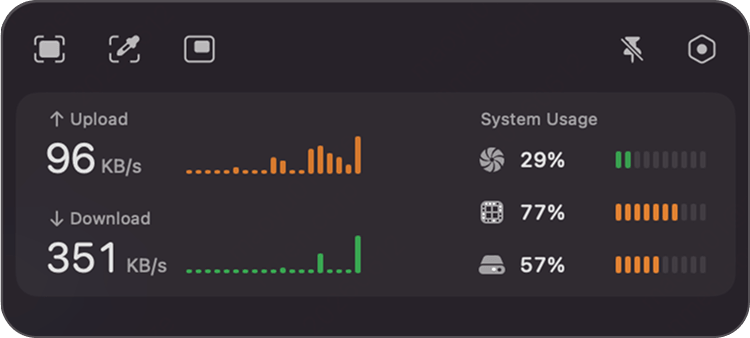
System monitor

Track real-time network speed, CPU load, memory pressure, and disk usage.

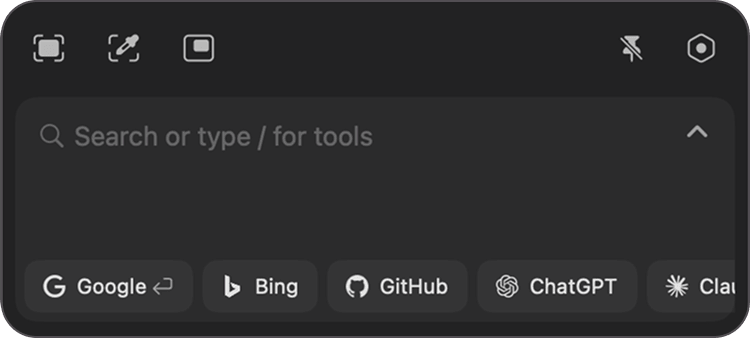
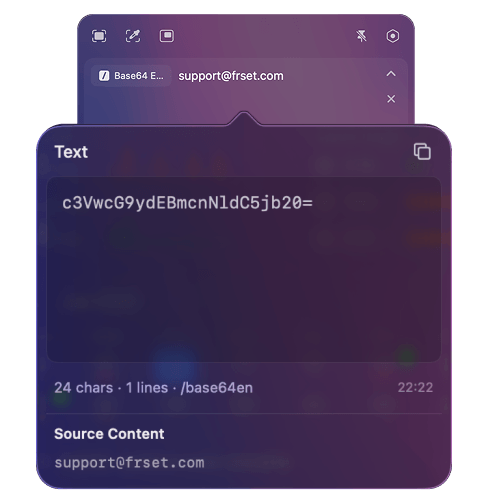
Quick search

Recognize what you type. Surface the right action instantly.

Detects input automatically
Frset quick search recognizing typed input and suggested actions
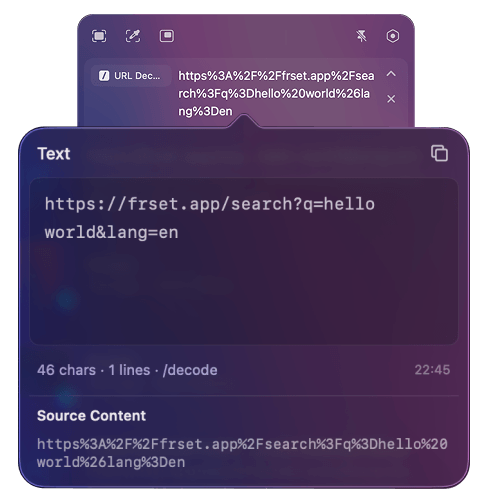
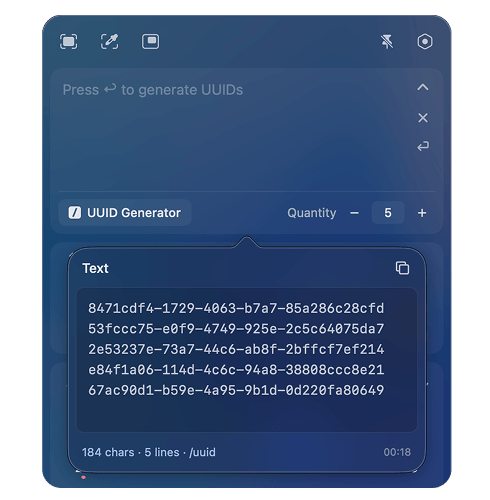
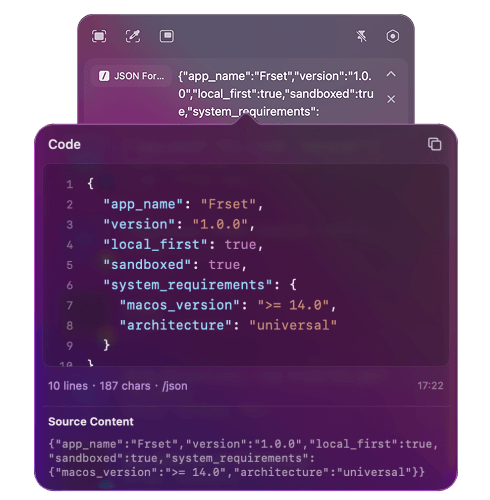
Developer tool

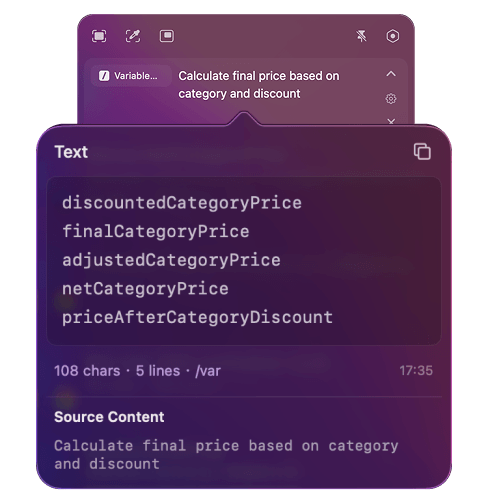
No browser tabs. No extra apps. Just get things done.

More tools are on the way.
AI shortcut

Run AI actions on any text, right where you work.

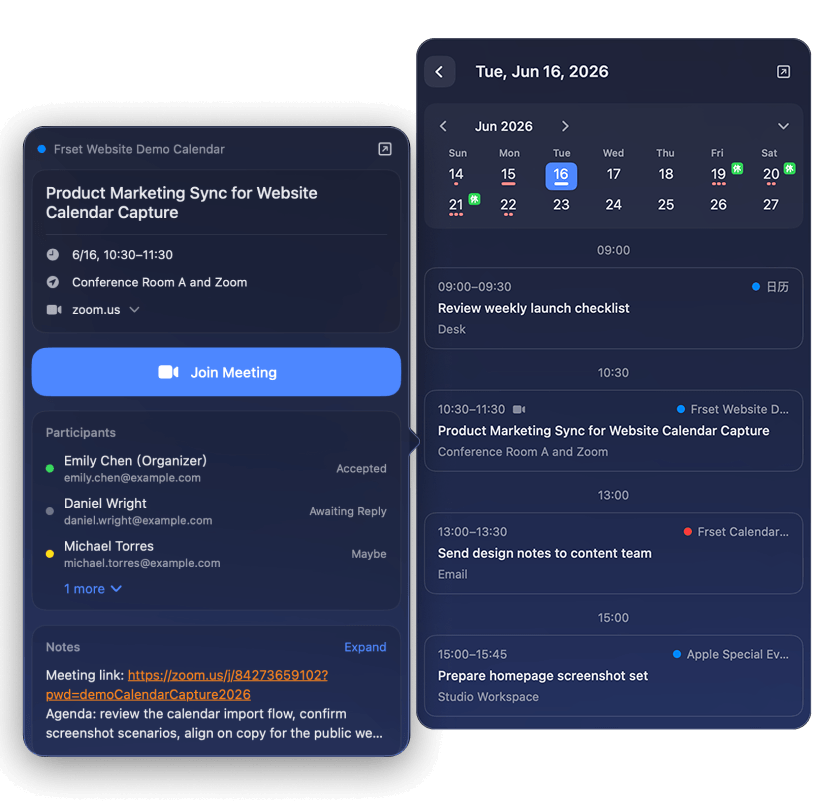
Calendar

A quick overview of your schedule, right from Frset.

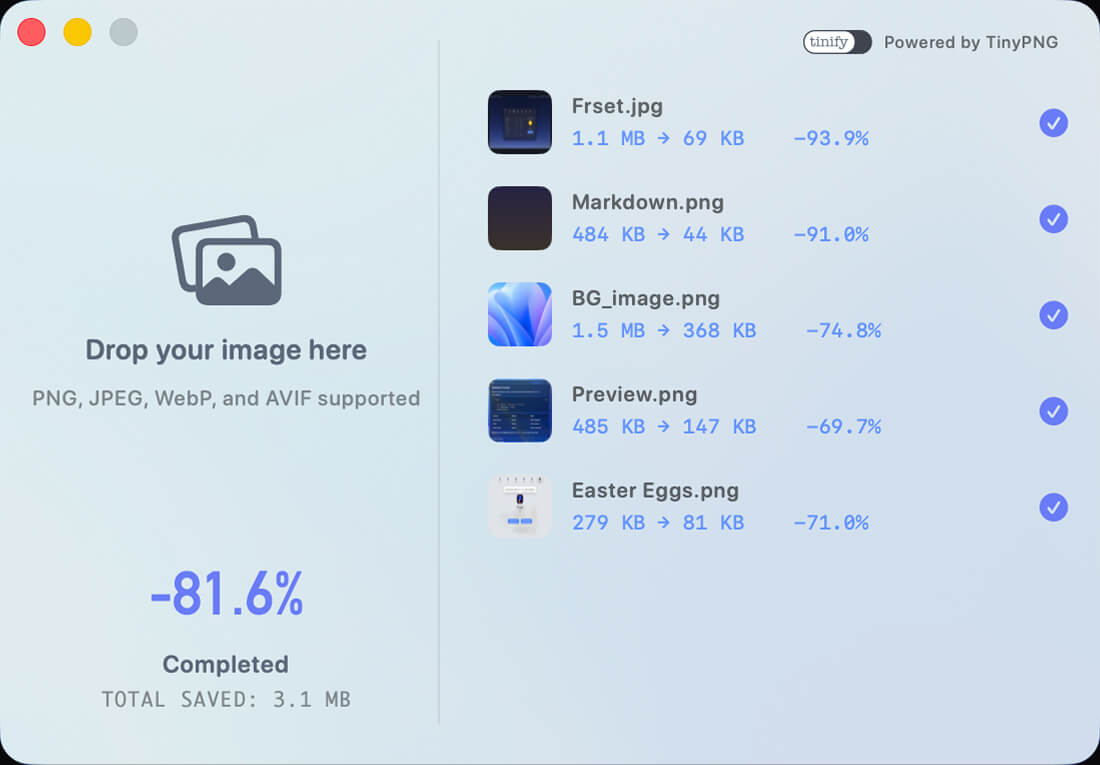
Image compression

Compress images in batches. Keep every pixel crisp.

Batch Compression
Drag & Drop
Quality Preserved
Multi-Format Support
Frset image compression preview
Pricing

Simple plans. No hidden subscriptions.

Free
Core Frset tools, free forever
  • Clipboard, capture, search, notes, and calendar
  • AI shortcuts, developer tools, and system monitor
  • 24-hour clipboard history
  • Up to 3 clipboard tags
  • 3 tool uses per day
  • Up to 10 notes
  • System, light, and dark themes
Launch Offer
Pro
Unlock everything in Frset
  • Everything in Free
  • Unlimited clipboard history
  • Unlimited clipboard tags
  • Unlimited tool uses
  • Unlimited notes
  • Midnight appearance
  • Dynamic menu bar icon
Pay once. Use forever.
Who it is for

Crafted for those who live in the workflow.

One toolkit, endless custom workflows. Less context switching, more deep focus.
Creators
  • Distraction-free Markdown notes and live preview
  • Contextual AI shortcuts for repetitive editing
  • Multi-item clipboard recall across multiple drafts
Developer
  • Instant JSON formatting and syntax validation
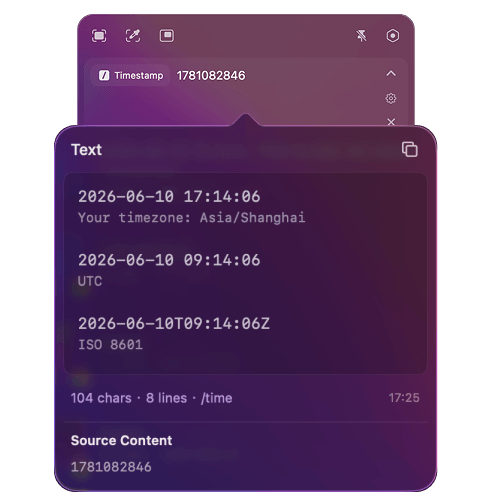
  • One-click conversion for Timestamps, Base64, and URLs
  • Quick QR code generation from clipboard
Designers
  • Lossless image compression for seamless handoff
  • Pixel-perfect window capture with rounded corners
  • On-screen annotation, pinning, and smart color picking
Power Users
  • Floating clipboard panel for rapid-fire pasting
  • Quick Search for local and web actions
  • Native activity trends for productivity insights
Privacy

Your data never leaves your Mac.

Sandboxed by default.
Frset runs inside Apple's security boundaries.
Local-first by design.
Your content stays local by default.
Protected by Keychain.
Sensitive API keys are secured by macOS.
Privacy respected.
Limited to anonymous diagnostics and performance telemetry.
Get started

Ready to transform your workflow?

Only those who make it this far know: Frset has a tiny Easter egg.

Download on the Mac App Store